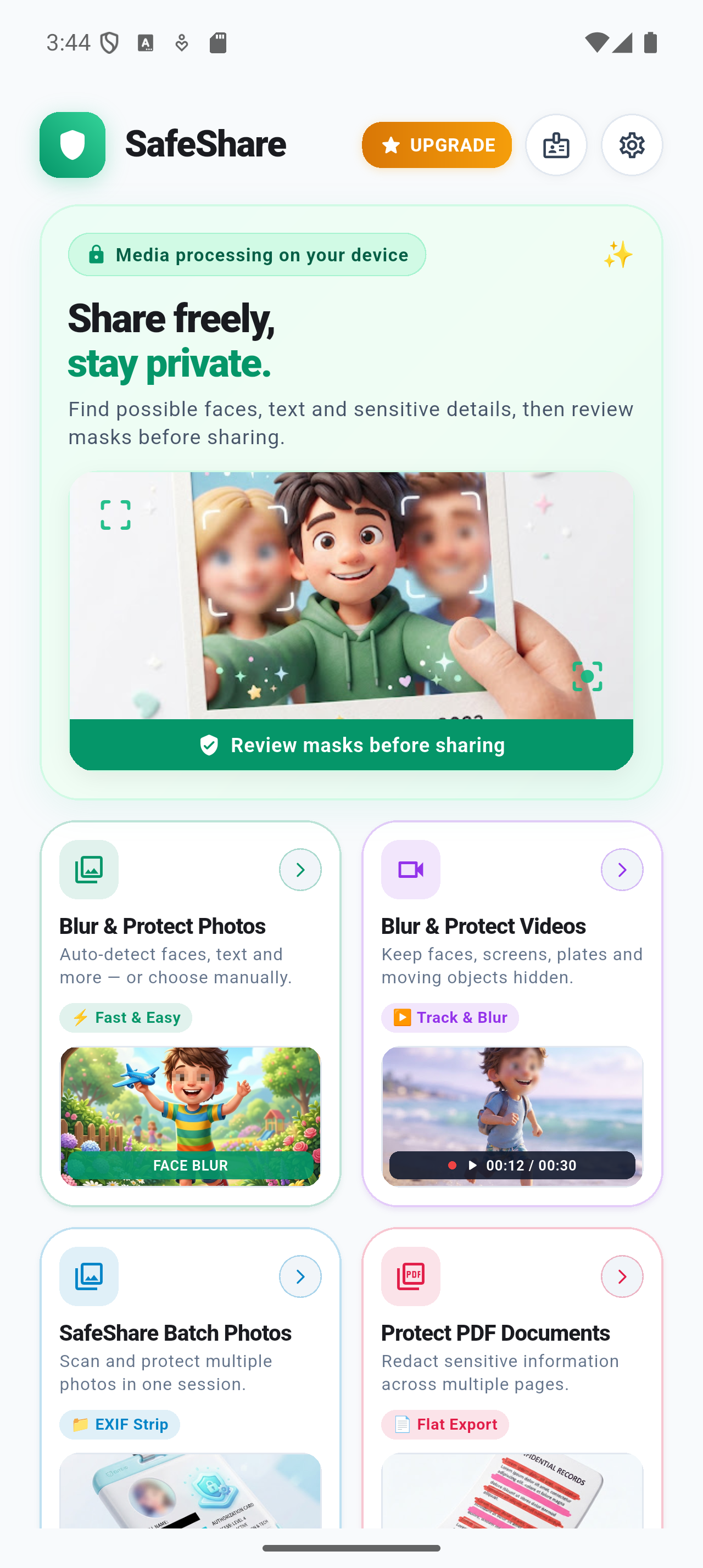
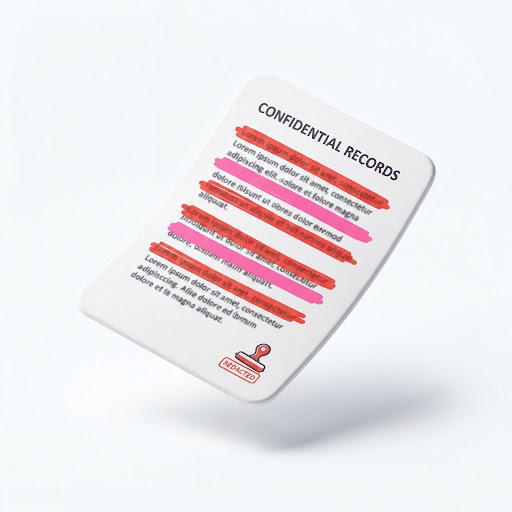
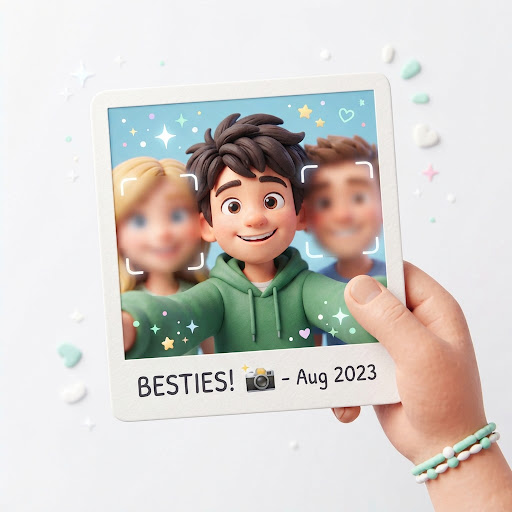
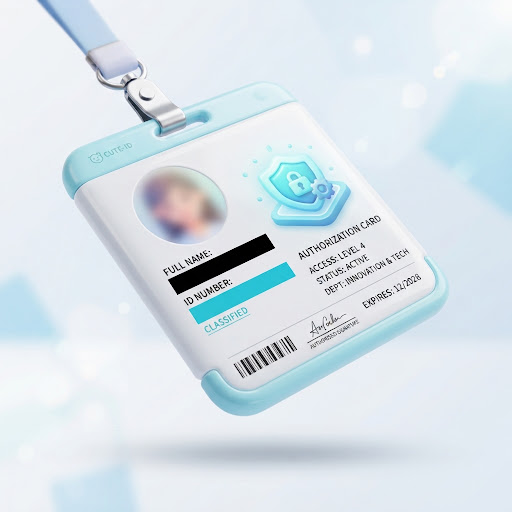
Safely blur faces, blackout confidential text, redact IDs & license plates, and purge GPS coordinates on photos, videos, and PDFs. Everything processes strictly on your phone’s local neural engine — zero cloud media uploads, verifiable on-device redaction, and user-confirmed exports.
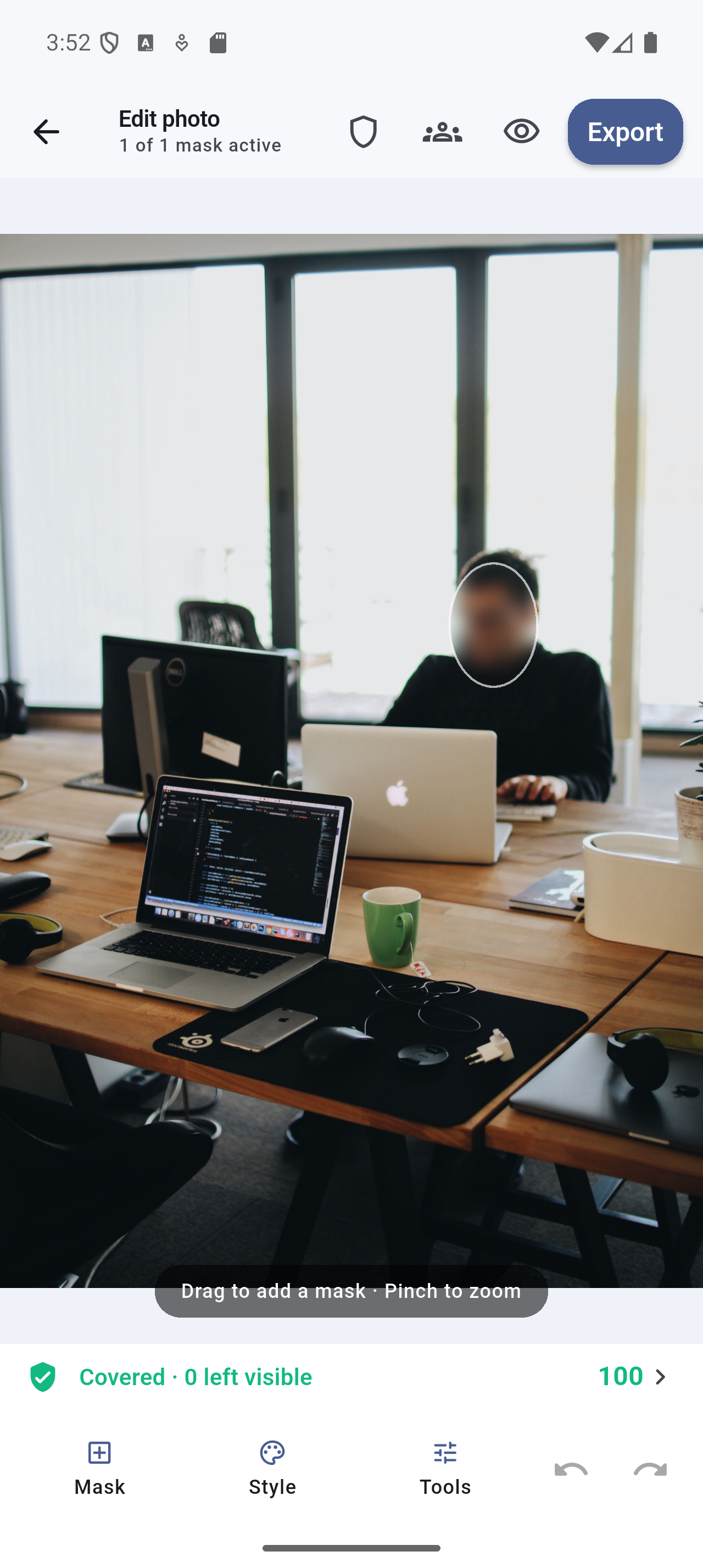
Most sharing apps upload your media to distant servers for AI inspection. SafeShare was engineered from the kernel up to keep your sensitive files strictly on your device.
Detection, OCR, face tracking, and rendering execute locally using on-device ML Kit and OpenCV models. SafeShare has no remote inference API and no user database.
Protect photos, videos, and multi-page PDF documents with equal precision. Seamlessly handle single captures, rapid screenshots, or 20-page medical forms.
Camera model, GPS shooting coordinates, timestamps, and camera parameters can be automatically removed on export (enabled by default; toggleable in settings) to minimize metadata exposure.
PDFs are rebuilt from rasterized pixels, and images are rendered permanently. Unlike naive black boxes in basic editors, SafeShare redactions cannot be unmasked.
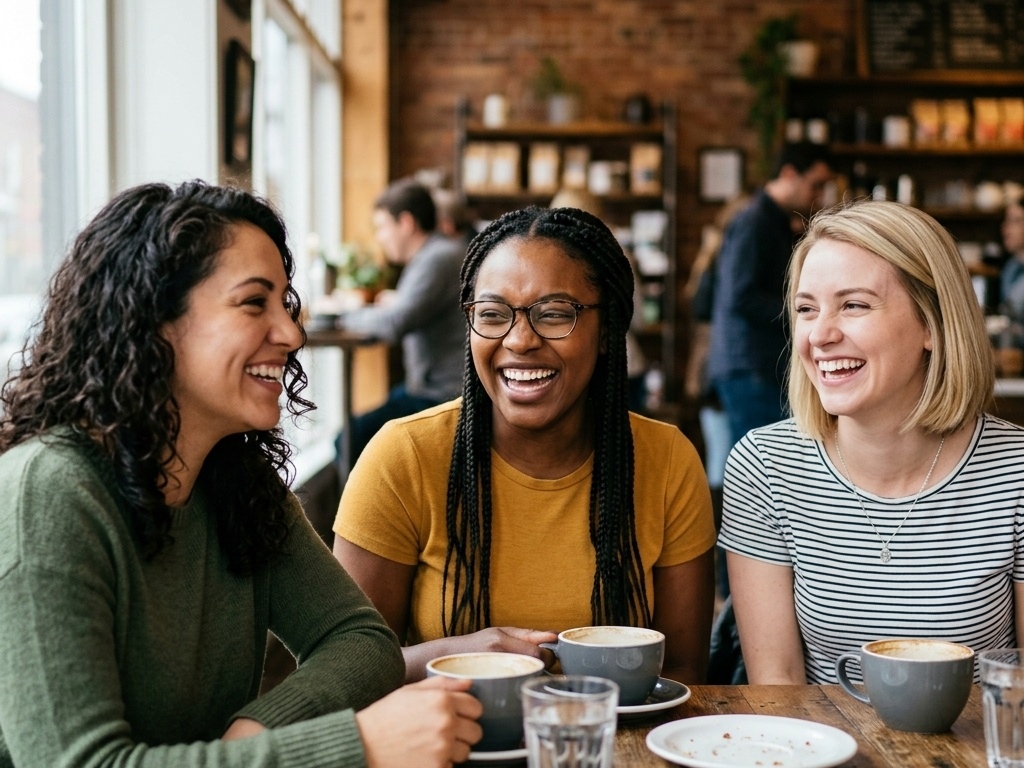
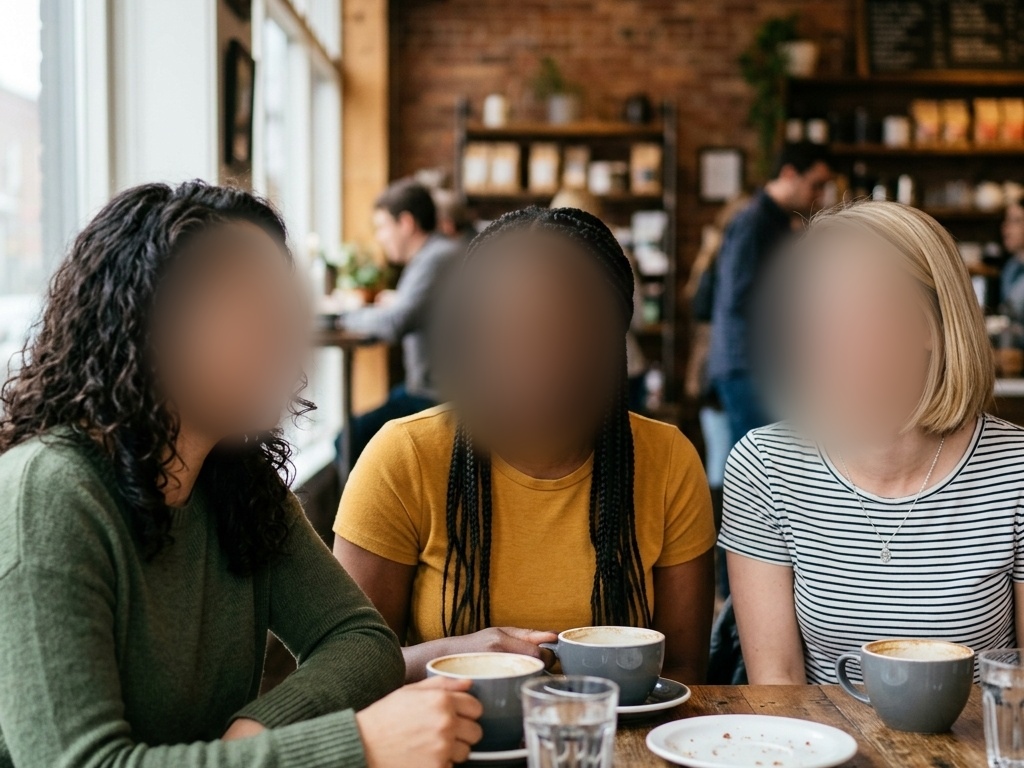
Test SafeShare's real-time detection, drag the interactive split slider to compare before and after, adjust blur radius on the fly, and inspect how EXIF metadata tags are stripped.
Drag the slider divider to reveal redacted pixels vs. exposed source
Unsanitized Media
Protected by local ML Kit sandbox
Whether you're sending a quick family photo, sharing a street vlog, or forwarding medical or legal documents, SafeShare has purpose-built tools for the job.
Scan images in milliseconds. SafeShare flags human faces, document header text, driver's licenses, credit card numbers, license plates, and barcodes automatically.
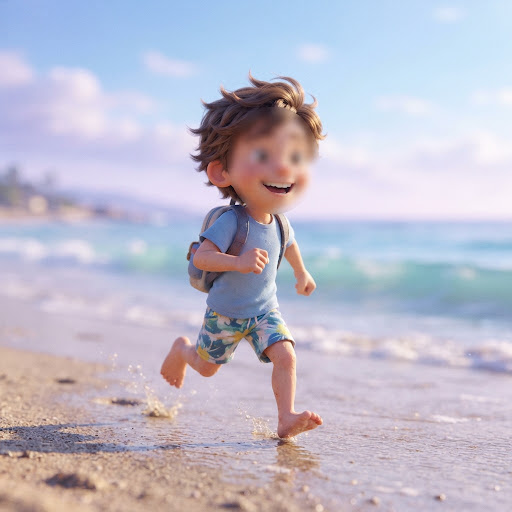
Video privacy made easy. The engine samples keyframes, tracks moving faces and objects through the timeline with linear interpolation, and renders smooth blurred ellipses.
Traditional PDF editors simply draw black boxes over existing text layers — meaning anyone with a text-selection tool can copy the hidden text. SafeShare is fundamentally different.
Don't waste time editing 50 event photos one by one. Select an entire album and let SafeShare detect and redact faces and license plates automatically in a single batch job.
Define custom watchlist terms like your home address, children's names, employee IDs, social insurance numbers, or phone numbers. Whenever they appear in scanned documents, they are automatically masked.
No steep learning curve. From raw capture to clean, share-ready export in under 15 seconds.
Pick media from your phone gallery, or share directly from your camera, WhatsApp, Messenger, or Files app into SafeShare using the standard system share sheet.
On-device ML Kit highlights detected faces, sensitive text, and barcodes. Tap to confirm, adjust blur radius, draw custom polygons, or blackout additional details.
Export a freshly rendered file with stripped EXIF/GPS metadata and flattened layers directly to your gallery or recipient app with complete peace of mind.
Privacy isn't just a marketing claim at Prinix Labs — it's enforced by the technical architecture of our software.
All neural network inference (YuNet, Google ML Kit on-device) runs directly on your CPU/GPU hardware. Raw recognition buffers stay inside isolated memory spaces and never leave your phone.
On Android, cloud backup rules explicitly exclude SafeShare's private project data from Google Drive backups. On iOS, local directories are marked with non-backup file attributes to prevent iCloud leaks.
SafeShare contains NO advertising SDKs, NO behavioral trackers, and NO commercial data monetization. Core detection runs on-device, and third-party ML Kit diagnostics operate strictly under documented platform policies.
When you purchase SafeShare Pro, Google Play handles transaction details. SafeShare sends only the purchase token to a stateless Prinix Labs Google Cloud Run verifier to confirm access. Your media is never involved.
Generous core features are free forever. Upgrade to Pro for high-capacity batch sizes (up to 1,000 photos), long video durations, lossless PNGs, and custom branding.
Essential on-device privacy redaction for everyday photo and document sharing.
For power creators, legal professionals, and teams requiring high-capacity batch processing.
Clear, direct answers regarding SafeShare's privacy promises, security features, and technical mechanics.
No. Never. All face detection, OCR text reading, video motion tracking, and export sanitization happen 100% locally on your device's hardware. SafeShare does not maintain a server backend for content processing or storage.
No. When you export from SafeShare, the edits are permanently baked into the pixels of the resulting image or video. For PDFs, the pages are rasterized and flattened into a single image layer, eliminating the underlying selectable text layer entirely.
By default, SafeShare strips EXIF tags (such as GPS coordinates, shooting time, device serial number, and camera parameters) upon export. It also assigns neutral, timestamp-free filenames so your original filenames are not leaked.
Yes! Media redaction operates entirely on your device. The machine learning models run locally, allowing you to redact photos, videos, and PDFs in airplane mode or with zero connectivity. Network connectivity is only used if you choose to purchase or restore SafeShare Pro via Google Play, or for platform-level ML Kit diagnostics when connected.
SafeShare can generate a shareable "Privacy Receipt" alongside your exported media. This receipt documents what transformations were applied (e.g. 4 faces blurred, 2 ID numbers masked, EXIF metadata wiped) without exposing the sensitive underlying data.
Payments are managed directly and securely through Google Play. Prinix Labs operates a stateless verifier hosted on Google Cloud Run that queries the Google Play Developer API solely to validate your active subscription token. Your payment card information is handled entirely by Google Play.